
Why 3D matters in online shopping
See how interactive 3D helps shoppers explore products, picture them in everyday use and buy with confidence, with an Easee charger example from Hurum Kraft.
By Vi3 Solutions AS ·
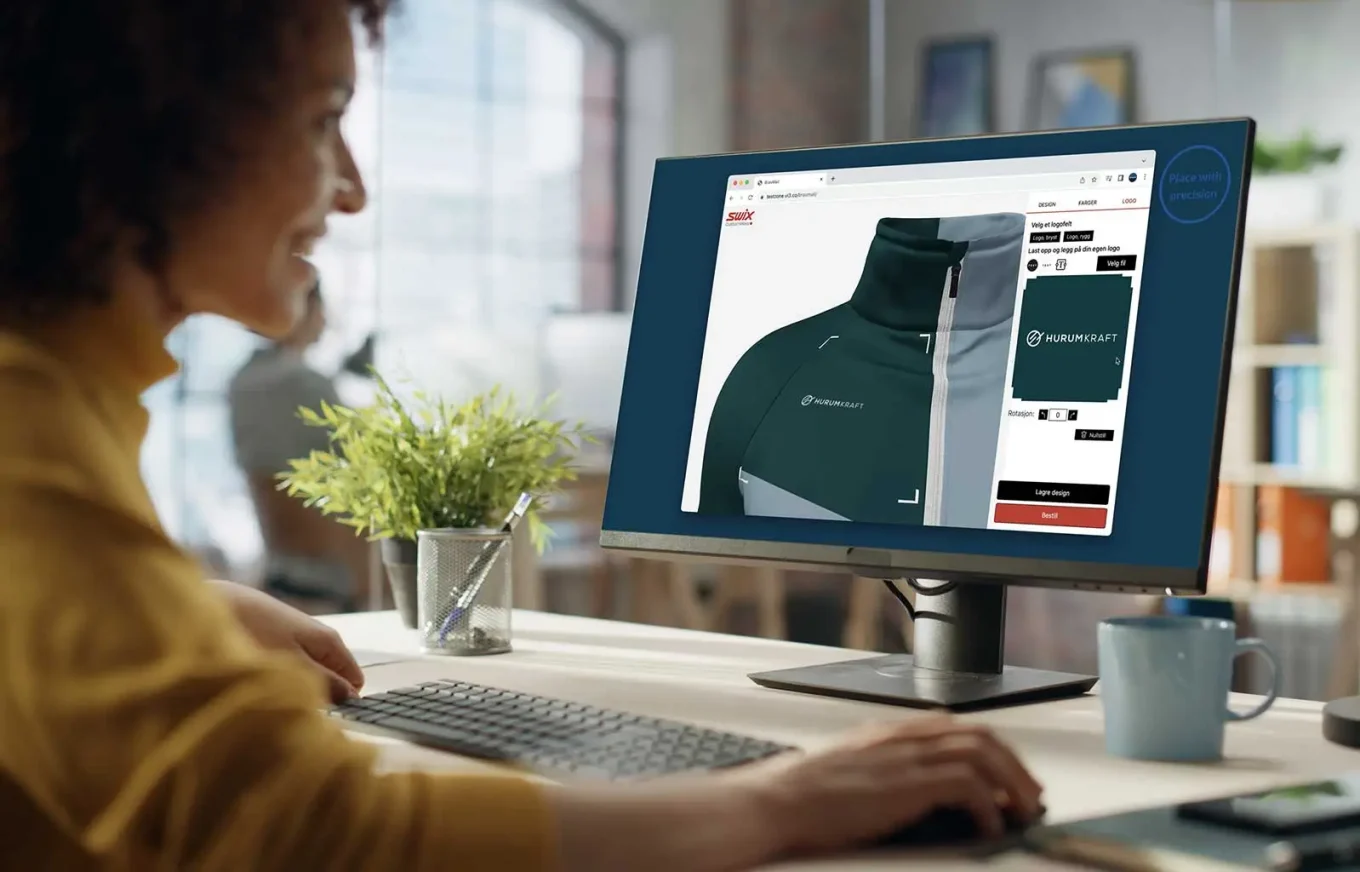
Think about how you examine a product in a shop. You turn it around, look at where the buttons or cables sit, and picture where it would fit at home. Online, a set of photographs gives you a starting point. An interactive 3D model lets you check the angle, detail or option you actually care about.
Explore the details that matter to you
Someone shopping for an EV charger might want to see how far it projects from the wall or where the cable connects. Someone choosing a jacket might care about the collar, pockets or the look of a logo on the chest. Letting shoppers rotate and zoom gives each person a way to answer their own questions. Pair the viewer with clear dimensions and specifications so shoppers have the measurements to back up what they see.
Picture the product in your own life
The relationship with a product starts when you can imagine using it. Seeing a charger from the side makes it easier to picture walking past it in a narrow garage. Seeing a team logo on a jacket makes the design feel like something your team could wear. In a lab experiment with 366 participants, a 360-degree product spin made the product feel more tangible than static photos. A virtual mirror, which let people picture the product on themselves, produced the strongest sense of tangibility in that study.
Read the study on product presentation and perceived tangibility.
What happened when Hurum Kraft added 3D to its Easee charger page?
Vi3 added an interactive 3D model of an Easee EV charger to the product page on hurumkraft.no. According to Vi3’s project figures, sales of Easee chargers on Hurum Kraft’s site doubled in the first week after the model went live. That figure describes the launch week. A controlled comparison would be needed to measure how much of the increase came from the 3D viewer.
Where to start with 3D product visualisation
Pick a product where shoppers often ask the same question about fit, appearance or how it works. Design the viewer to answer that question in a few gestures. Start with a clear image, make the controls usable on a phone, and keep price, compatibility and delivery details easy to find. If you want to measure the effect, define a baseline, compare similar periods or test two page versions, and look at add-to-cart rates alongside sales and support questions.
See how Swix uses a 3D configurator for personalised teamwear or how Hydrolift lets customers compare boat finishes and equipment.
Frequently asked questions
What is an interactive 3D product viewer?
It is a browser-based view that lets shoppers rotate a digital product, zoom in and inspect it from different angles. A configurator can also show changes such as colours, finishes or equipment on that same model.
Can 3D product visualisation increase ecommerce sales?
It can help shoppers resolve questions before they buy. Vi3 observed that Easee charger sales on Hurum Kraft’s site doubled in the first week after the 3D model went live. To estimate the viewer’s contribution, compare equivalent periods or run an A/B test.
What is the difference between a 3D viewer and augmented reality?
A 3D viewer lets you inspect the product on a web page. Augmented reality places a model in a view of your surroundings, so you can see how it might look in your own space on a compatible device.
Which products benefit most from interactive 3D?
Start with products shoppers find difficult to judge from a single view, such as configurable furniture, technical equipment, vehicles and products with details on several sides. Keep photos, measurements and specifications available alongside the viewer.